
The goal sounded slightly unreasonable: run GLM‑5.3‑Flash locally on my existing Debian 12 homelab server. This is a roughly 320B-parameter model designed for coding, reasoning, and agentic workloads, but my server has a single RTX 5070 Ti with 16 GB of VRAM, 128 GB of system memory, and a Ryzen 7 5800XT. In BF16, the model’s weights alone would require roughly 640 GB—about 40 times the VRAM available. Even the 102 GB quantized build was more than six times larger than the card. This was less “install an AI model” and more “fit a sectional sofa through a condo doorway without admitting defeat.”
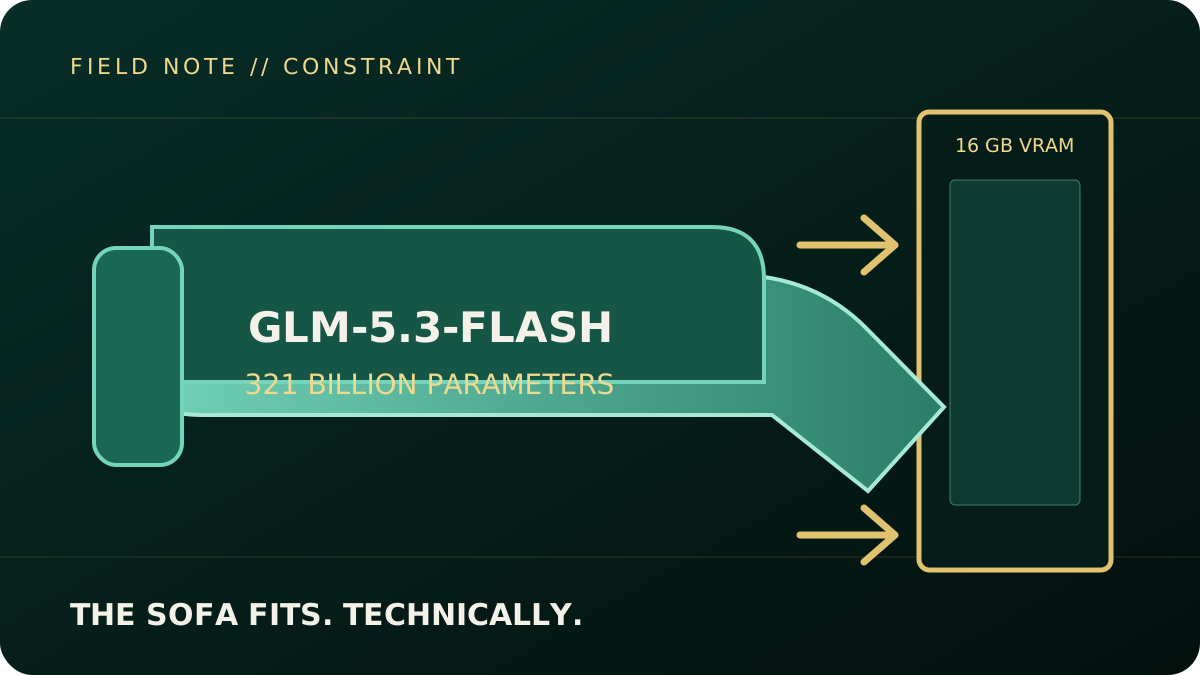
GLM‑5.3‑Flash does have one important advantage: it uses a Mixture-of-Experts architecture. For each token, it activates roughly 18 billion of its total parameters. That reduces the computation required, but it does not eliminate the need to store the complete model. The official model card reports 320B total parameters and 18B active, while Hugging Face’s file metadata reports 321B; “320B-class” avoids pretending the distinction matters to this experiment. The practical options were renting a multi-GPU cloud server, building a much larger local GPU system, choosing a smaller model, or using quantization and CPU offloading. I chose the last option because the objective was not to build the fastest deployment—it was to find out whether the hardware I already owned could run the model at all.
Quantization made the experiment possible. Normally, storing the model in BF16 format would require roughly 642 GB because each parameter consumes two bytes. I used Unsloth’s nominally two-bit UD‑IQ2_XXS GGUF release, which produced an approximately 102 GB model footprint. The effective storage works out above two bits per parameter once metadata, block structures, and higher-precision tensors are included. Importantly, this did not make the entire model fit inside 16 GB of VRAM. Instead, llama.cpp automatically placed around 13.7 GB of model data on the GPU while keeping the remaining weights in system RAM. The GPU handled the tensors it could accommodate, while the CPU and RAM supplied everything else. Quantization is therefore less like shrinking a moving truck into a hatchback and more like packing the truck very efficiently and towing the rest behind it.
Implementation required Unsloth’s experimental glm5next/upstream branch, tracked in llama.cpp PR #27754, with early support for GLM’s glm5next architecture. This run was pinned to commit 949f7ef. I compiled it for the RTX 5070 Ti’s Blackwell architecture using CUDA 13.3, CMake, and Ninja, then downloaded the four-part GGUF model from Hugging Face. The server was configured with a 4,096-token context window, one inference slot, eight CPU threads, and automatic GPU-layer fitting. Two settings—disabling TensorFloat-32 overrides and leaving flash attention off—were required for correct output in this experimental build. Once the model loaded, llama.cpp exposed a local OpenAI-compatible API on port 8081, allowing it to accept the same general request format used by many commercial AI services.
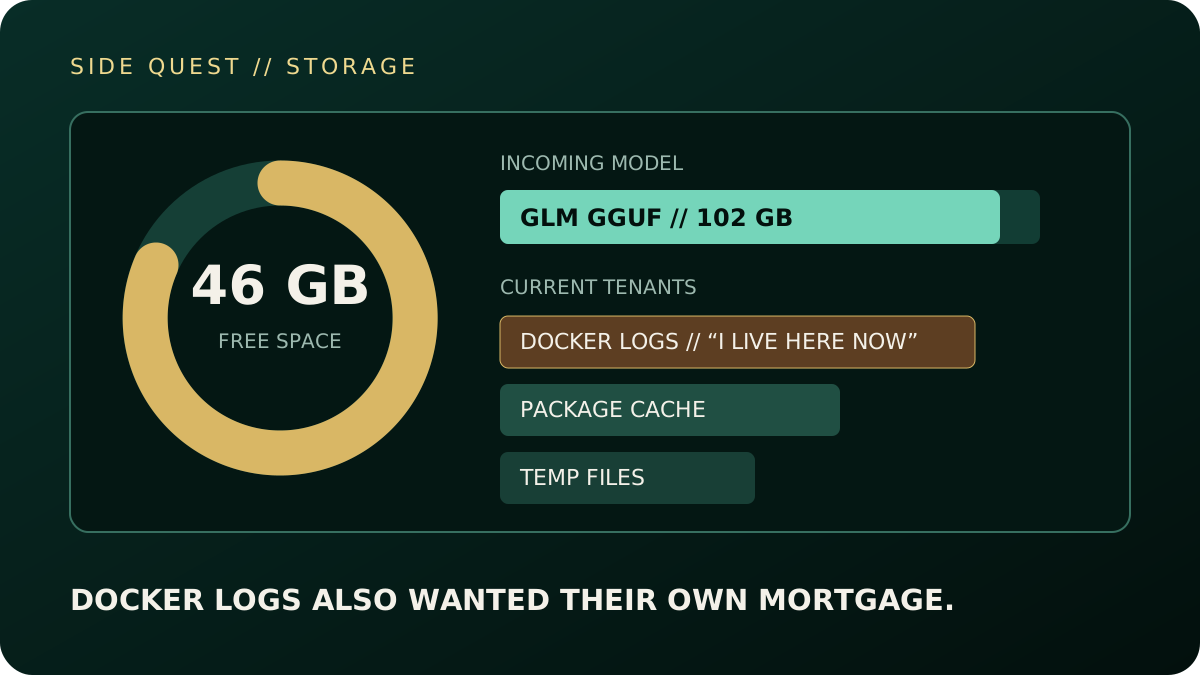
Storage became an unexpected side quest. The server’s 512 GB SSD initially had only 46 GB available, while the model alone needed more than twice that amount. Cleaning stale temporary files, oversized Docker logs, package caches, and unused images eventually created enough room. An interrupted SSH session then stopped the first download attempt halfway through, but llama.cpp retained the partial shards and resumed them later. I moved the process into a systemd-managed service so it could survive SSH disconnects and continue loading independently. Apparently deploying a 321B model was not enough; Docker logs also wanted their own mortgage.
Measured result // single test run
Deployment feasibility: confirmed
- Quantized footprint
- ~102 GB
- GPU-resident model data
- ~13.7 GB
- Prompt processing
- 0.91 tok/s
- Generation
- 0.38 tok/s
- 35-token generation
- ~89 seconds
The endpoint loaded and generated coherent output. This experiment tested deployment feasibility, not coding or reasoning quality.
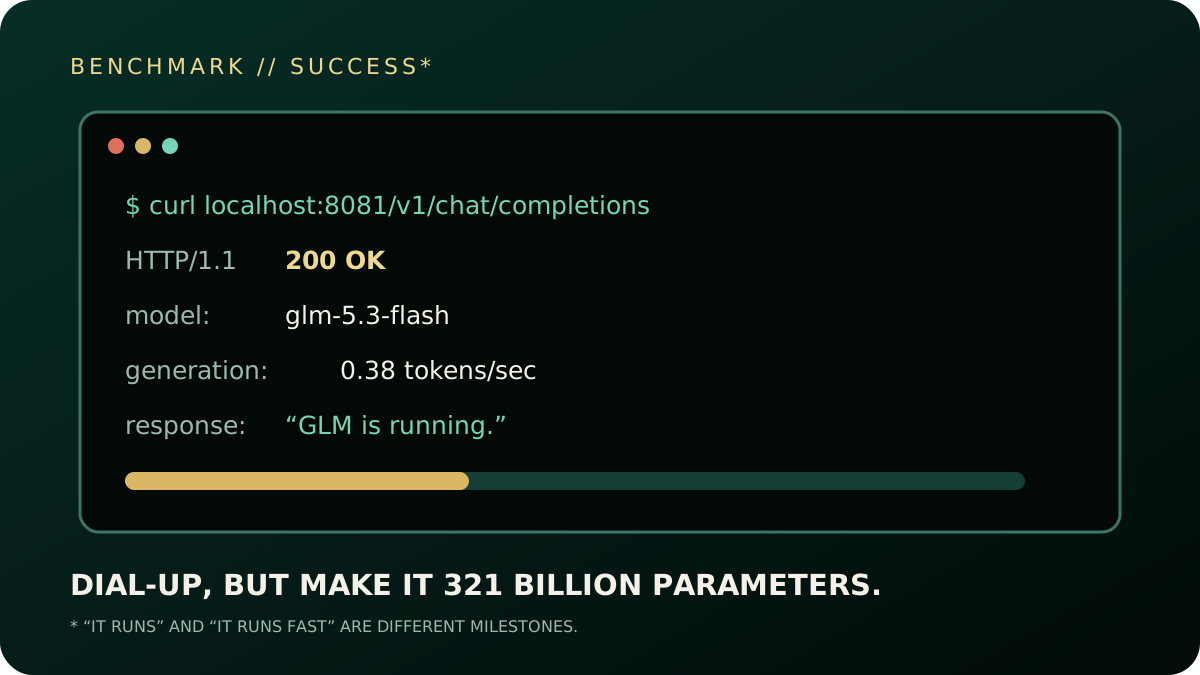
The final result was successful, although nobody will confuse it with a low-latency production endpoint. The health check returned 200 OK, and the model responded to its first API prompt with “GLM is running.” Prompt processing reached approximately 0.91 tokens per second, while generation averaged 0.38 tokens per second. Producing 35 completion tokens took about 89 seconds, with the complete request finishing in just under two minutes. The RTX 5070 Ti reported full utilization but drew only around 46 watts. That behaviour was consistent with the GPU frequently waiting on the CPU and system memory, although utilization and power readings alone do not prove the cause. It felt a little like dial-up internet had returned, except this time it had roughly 320 billion parameters.
Beyond the benchmark // industry impact
What this changes
Threat intelligence
The barrier to privately controlled, localized agentic AI is falling sharply. This system is too slow for high-volume interactive work, but research, data enrichment, workflow orchestration, and other asynchronous tasks do not always need real-time generation. Local inference can also remove cloud-provider telemetry and policy enforcement from the picture. The implication is not that every threat actor now owns a frontier lab; it is that capable private automation is moving within reach of increasingly modest operations.
Enterprise strategy
Data-sovereign and air-gapped AI no longer automatically implies a million-dollar H100 cluster. This build proves technical feasibility, not a production business case: 0.38 tokens per second would miss most interactive service expectations. For batch enrichment, offline summarization, controlled experimentation, or other latency-tolerant workloads, however, organizations can trade speed for sovereignty and lower infrastructure cost. The useful question becomes workload fit—not whether local deployment is possible.
There is still room to improve. The server’s four memory modules are currently running at only 2,133 MT/s, making RAM bandwidth the leading suspected bottleneck. Raising that speed to a stable 2,667 or 2,933 MT/s and repeating the same benchmark would test the diagnosis. Quantizing the key-value cache to eight bits, reducing the reserved VRAM from 2 GB to 1 GB, and benchmarking different CPU-thread counts may provide additional incremental gains. Newer experimental approaches can also cache frequently selected Mixture-of-Experts weights in VRAM, potentially reducing repeated transfers between RAM and the GPU. The broader conclusion, however, is already clear: a single 16 GB consumer GPU can technically serve a 320B-class model when paired with aggressive quantization and enough system memory—but “it runs” and “it runs well” remain two very different engineering milestones.
Sources and build record
- Official GLM‑5.3‑Flash model card — architecture, 320B total parameters, and 18B active parameters.
- Exact Unsloth UD‑IQ2_XXS GGUF release — the four-shard, approximately 102 GB model used here.
glm5next/upstreambranch and llama.cpp PR #27754 — pinned to commit949f7efbfor this experiment.
Reproduction snapshot: Debian 12; Ryzen 7 5800XT; RTX 5070 Ti 16 GB; 128 GB RAM; CUDA 13.3; CUDA target 120a; llama.cpp 0.3.0-dev at 949f7ef; 4,096-token context; one inference slot; eight CPU threads; port 8081; automatic GPU-layer fitting; flash attention off; TensorFloat-32 overrides disabled.
This is a pinned run record rather than a turnkey tutorial. The branch was experimental, so flags and behaviour may change as support moves upstream.